
Brushes
Manga Screentone & Hatching Stamp Brushes — Tone Atelier
Price on DeviantArt Buy on DeviantArtPurchases are completed on DeviantArt. Check the listing for current price, availability, files and usage terms.
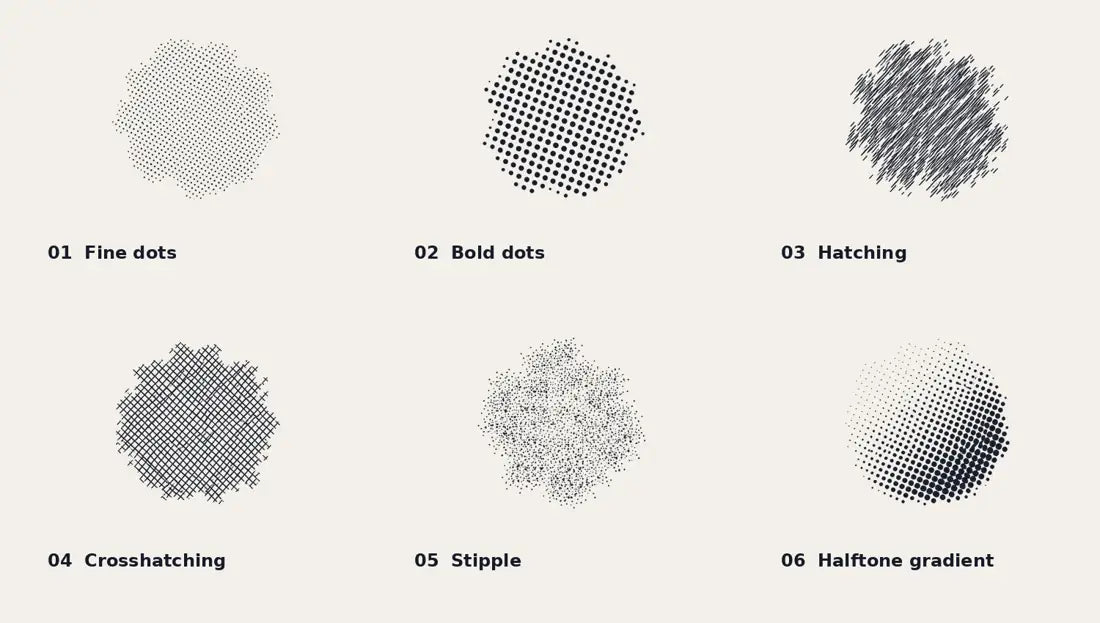
Build graphic shading with dot patterns, hatching, crosshatching and stippled stamps. Use layer masks to confine each mark to clothing, backgrounds or shadow shapes.
Included content
6 distinct grayscale GBR stamp tips, 512 × 512 px each
6 matching transparent PNG stamps (same six designs)
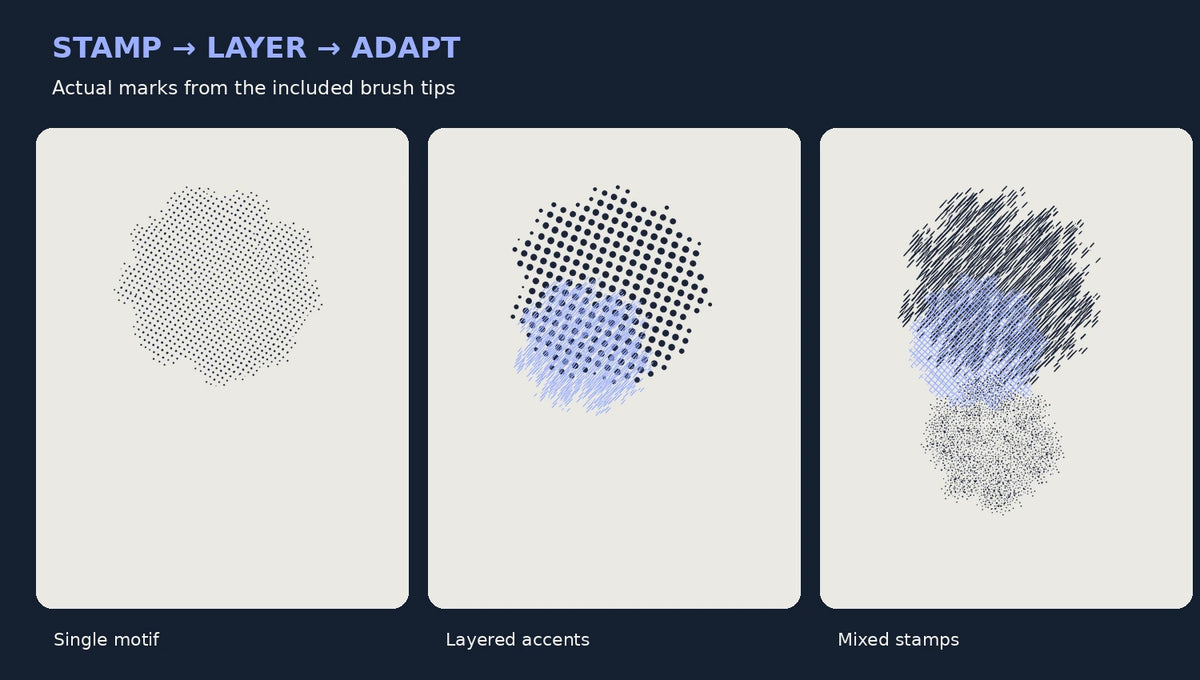
Actual stamp application sheet and tip index
Import guide, non-exclusive license and checksum manifest
File formats: 6 GBR + 6 PNG
Compatibility: Krita / GIMP
Usage terms: Individual commercial use · non-exclusive
How to use: Krita: import each GBR in the brush editor’s predefined-tip section, then choose size, spacing and dynamics. GIMP: put the GBR files in your user brushes folder and refresh brushes. Start with single clicks on a separate layer. The transparent PNGs can also be placed and recolored as image layers. Structural GBR checks were completed; desktop app interaction has not been manually tested.
Limitations: Bitmap stamp tips, not pressure-sensitive drawing presets. No Photoshop ABR, Procreate brushset or Clip Studio SUT files. PNG stamps can be placed manually in those apps. Patterns are not seamless. Foreground color, spacing, opacity and glow are controlled in your app.
Artwork disclosure: AI-generated motif sources converted to six grayscale brush masks and transparent PNG stamps. Demonstrations use the actual supplied masks.